
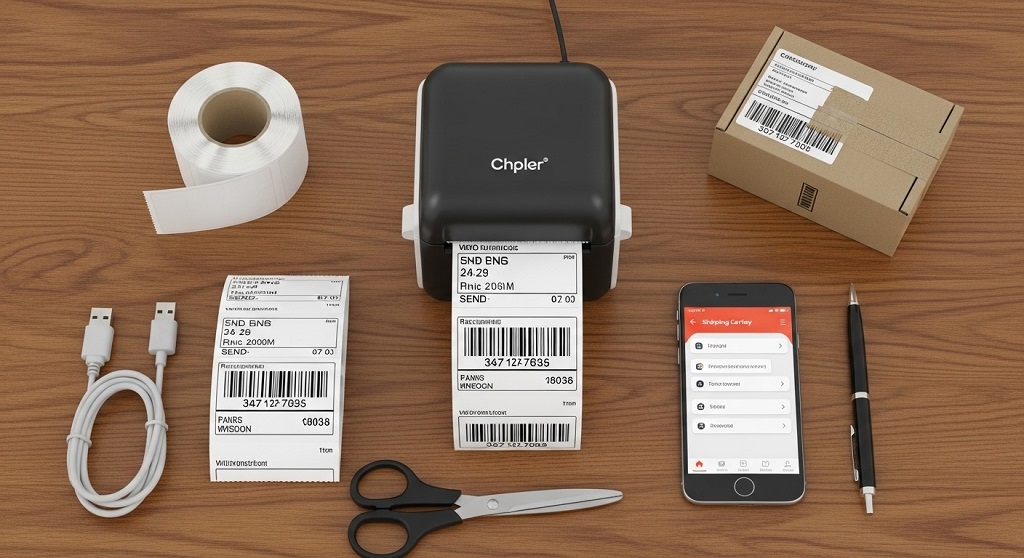
Use a thermal label printer, compatible shipping labels, and reliable order fulfillment tools to generate accurate, scannable labels directly from your ecommerce platform.
If you ship products from home, your label is the first thing a carrier scans. If it’s blurry, misaligned, or damaged, delivery slows down. Customers complain. Refunds increase. Costs rise.
This is the problem many small sellers face. According to industry reports from Pitney Bowes Parcel Shipping Index, global parcel volume surpassed 160 billion parcels annually. That volume puts pressure on delivery networks. Carriers rely on machine-readable barcodes. If your shipping labels are low quality, they get flagged.
The good news? You don’t need a warehouse to print professional labels. With the right order fulfillment tools, you can automate the process, reduce errors, and ship faster — from your desk.
This guide explains exactly how to print professional shipping labels at home. Step by step. No fluff. Just what works.
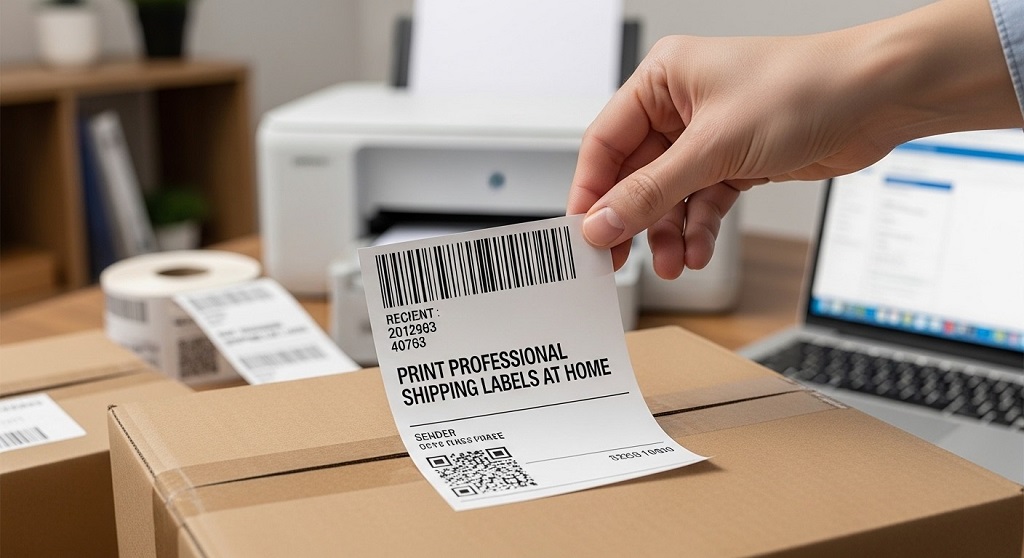
Why Do Professional Shipping Labels Matter for Small Businesses?
Short answer: Clear shipping labels reduce delivery errors, prevent returns, and speed up carrier processing.
Shipping labels are not just stickers. They contain:
- Recipient address
- Return address
- Tracking barcode
- Service level (Priority, Ground, Express)
- Routing codes
Carriers like USPS, FedEx, and UPS use automated sorting systems. These systems scan barcodes in milliseconds. If a barcode cannot be scanned, the package is manually processed. That adds delay and risk.
Case Study Insight: A mid-sized Shopify seller reduced shipping errors by 23% after switching from inkjet-printed paper labels to direct thermal shipping labels. The main improvement came from sharper barcodes and consistent formatting generated through integrated order fulfillment tools.
Professional labels increase:
- Delivery speed
- Customer trust
- Operational efficiency
- Repeat purchases
What Equipment Do You Need to Print Shipping Labels at Home?
Short answer: You need a printer (thermal or inkjet), 4×6 shipping labels, a computer, and shipping software integrated with your store.
1. Printer Options
- Thermal label printer – Uses heat, no ink required
- Inkjet printer – Uses ink cartridges
- Laser printer – Uses toner
Thermal printers are preferred for ecommerce shipping. Why?
- No ink cost
- Faster print speed
- Sharp barcode quality
- Lower long-term maintenance
2. Shipping Label Size
The standard size for ecommerce is:
- 4” x 6” shipping labels
This format is accepted by major carriers. It fits tracking barcodes clearly and avoids resizing errors.
3. Order Fulfillment Tools
Order fulfillment tools generate shipping labels directly from your store. Examples include:
- Shopify Shipping
- ShipStation
- Pirate Ship
- WooCommerce Shipping extensions
These tools calculate rates, generate tracking numbers, and format labels automatically.
How Do You Print Shipping Labels Step by Step?
Short answer: Connect your store to shipping software, purchase postage, select 4×6 format, and print through a thermal printer.
Step 1: Connect Your Ecommerce Platform
Link your store to your shipping software. Most order fulfillment tools sync orders automatically.
Benefits:
- Auto-import customer address
- Reduce manual entry errors
- Bulk label printing
Step 2: Verify Address
Use built-in address validation. This prevents failed deliveries.
Incorrect addresses account for a measurable percentage of returns in ecommerce operations. Address verification reduces that risk.
Step 3: Choose Shipping Carrier and Service
Select:
- Carrier (USPS, UPS, FedEx)
- Service type (Ground, Priority, Express)
- Package weight and dimensions
Accurate weight prevents surcharge adjustments later.
Step 4: Purchase Postage
Your fulfillment tool calculates shipping cost in real time. Many platforms provide discounted commercial rates.
Step 5: Print Label
Select:
- Label format: 4×6
- Printer type: Thermal
Click print. Attach label flat on the package. Avoid covering barcodes with tape glare.
Should You Use Thermal or Inkjet for Shipping Labels?
Short answer: Thermal printers are more cost-effective and reliable for high-volume shipping.
| Feature | Thermal Printer | Inkjet Printer |
|---|---|---|
| Ink Required | No | Yes |
| Cost per Label | Lower long term | Higher due to ink |
| Speed | Fast | Moderate |
| Durability | Water-resistant options available | Ink can smudge |
If you ship more than 10–15 packages per week, thermal usually becomes the better option financially.
How Can Order Fulfillment Tools Improve Shipping Efficiency?
Short answer: They automate label creation, reduce human error, and provide tracking updates automatically.
Manual shipping wastes time. Copying addresses increases mistakes. Order fulfillment tools streamline operations.
Key features include:
- Bulk printing shipping labels
- Automatic tracking email notifications
- Inventory syncing
- Rate comparison
- Returns management
Operational Impact Example: A home-based Etsy seller processing 30 orders daily reduced fulfillment time from 2 hours to 45 minutes after automating label generation.
Time saved equals higher capacity without hiring staff.
How Do You Avoid Common Shipping Label Mistakes?
Short answer: Use correct label size, avoid resizing PDFs, verify weight, and ensure barcode clarity.
Common Mistakes:
- Printing on regular paper and taping unevenly
- Resizing label PDFs to “Fit to Page”
- Incorrect package weight
- Covering barcode with reflective tape
- Using low-resolution print settings
Always print at 100% scale. Disable “shrink to fit.”
Barcode scanners require sharp contrast. Blurry prints slow carrier processing.
Can You Print Shipping Labels Without a Thermal Printer?
Short answer: Yes, but long term it is less efficient.
If using inkjet or laser:
- Use adhesive label sheets (2 per page 8.5×11)
- Select correct template format
- Use high-quality ink setting
- Allow ink to dry before handling
This works for low-volume sellers. However, ink costs accumulate quickly.
How Much Does It Cost to Print Shipping Labels at Home?
Short answer: Average cost per thermal label ranges between $0.02–$0.06 depending on supplier and volume.
Cost breakdown:
- Thermal printer: $100–$250 one-time
- Label rolls (500 labels): $10–$25
- Ink (if inkjet): recurring cost
For sellers shipping 100 packages per month:
- Thermal system pays for itself within months compared to ink-based printing.
Conclusion: How Can You Start Printing Professional Shipping Labels Today?
Printing professional shipping labels at home is no longer complicated. The tools exist. The process is straightforward.
Use a thermal printer. Choose 4×6 shipping labels. Connect reliable order fulfillment tools. Verify addresses. Print at 100% scale. Apply cleanly.
When you control your shipping workflow, you control delivery speed, customer satisfaction, and business growth.
Start simple. Automate where possible. Track your efficiency improvements.
Call to Action: Review your current shipping process today. Identify one improvement — printer upgrade, better label stock, or fulfillment software integration — and implement it this week. Small operational upgrades compound into long-term profit.
Frequently Asked Questions (FAQs)
1. What size shipping labels should I use?
Use 4×6 inch shipping labels. This is the industry standard supported by major carriers and works best with thermal printers.
2. Do I need a special printer for shipping labels?
No, but a thermal label printer is recommended for efficiency, cost savings, and barcode clarity.
3. Can I print shipping labels from my phone?
Yes, if your order fulfillment tools and printer support wireless or Bluetooth printing.
4. Are thermal shipping labels waterproof?
Direct thermal labels resist moisture but are not fully waterproof. Top-coated labels improve durability.
5. How do I reduce shipping errors?
Use automated order fulfillment tools with address validation and print labels at full scale without resizing.
6. Is printing shipping labels at home cheaper than the post office?
Yes. Online postage platforms often provide commercial rates lower than retail counter prices.
7. How long do thermal labels last?
Direct thermal labels typically remain scannable for months under normal shipping conditions.
Related Topics: How to Choose a Coffee Maker Based on Your Daily Routine
What Next: How to Watch NBA Live Free Using Streaming Sites